Pet menus
Find the menu you need
Choose a guide for a menu picture, its opening instructions and an explanation of every control.
- Ability name
Read an ability description, its use controls and rarity slot. Eligible families fill the family cells. The bottom summaries show pets you own with the ability and pets that can receive it.
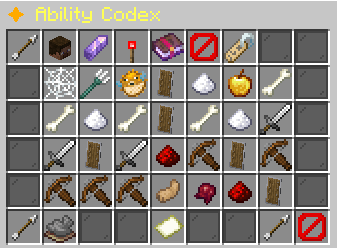 Ability Codex
Cycle family, tier and trigger filters. Search by name, reset filters, browse pages and select an ability to open its details.
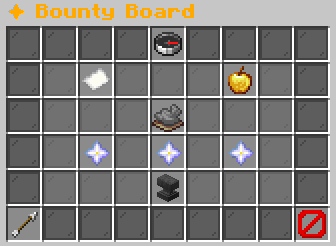 Bounty Board
Read the rotation, your active quest and Legendary Ascension requirements. Select an available quest to open its confirmation.
- Confirm Breeding
Read the one-breed warning. Confirm spends the parent breeding charges and creates the egg. Cancel returns with both parents selected.
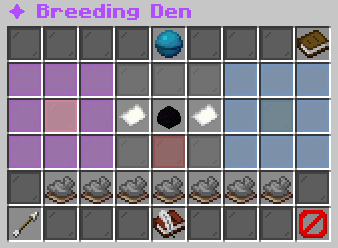 Breeding Den
Choose a female and male pet, inspect the egg and requirement checks, then open the breeding confirmation. Breeding History opens your past results.
- Breeding History
Read a page of your breeding results. Previous and Next turn pages. Back returns to the Breeding Den.
- Select Mother ♀ / Select Father ♂
Browse the selected gender in your collection. Eligible entries select the parent. Unavailable entries explain the unmet requirement.
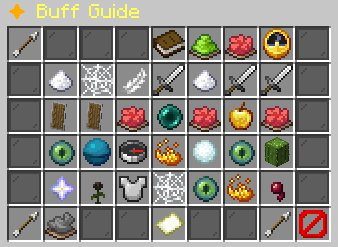 Buff Guide
Read positive effects and debuffs, including your active effect summary. The positive and negative summary cells are information. They do not filter the list.
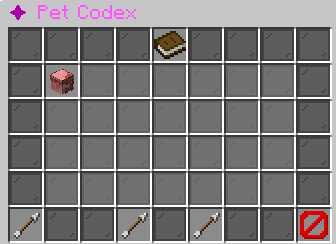 Pet Codex
Read discovered and hidden pet species. Use Previous Page and Next Page to browse the catalog.
 Egg Hatchery
Read the hatchery instructions and return to the Pet Hub. This screen does not hatch eggs or offer a legacy egg purchase.
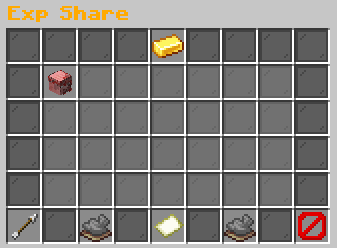 Exp Share
Click an idle pet to add or remove it from EXP Share. Previous and Next turn pages. Back returns to Your Pets.
 Favorites
Read up to the first favorite pets returned by your collection. Entries are display only. Back returns to the Pet Hub.
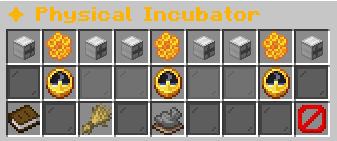 Physical Incubator
Select an egg slot. Empty slots let you choose an inventory egg. Feed applies family food to the selected baby. Collect the adult through the completion button.
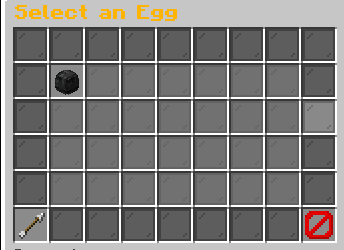 Select Pet Food / Select an Egg
Choose a suitable egg or family food from your inventory. Previous and Next show further inventory candidates. Back returns to the physical incubator.
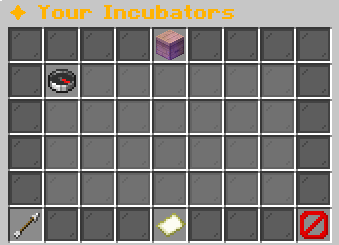 Your Incubators
Read your placed incubators, their biome, capacity and growth progress. Entries do not teleport you or open a physical incubator. Visit its block to insert eggs, feed or collect an adult.
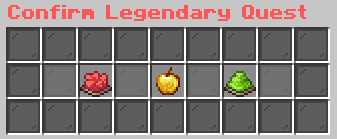 Confirm Legendary Quest
Read the selected quest and confirm its activation or cancel back to the Bounty Board. There is no separate Back or Close button in this confirmation.
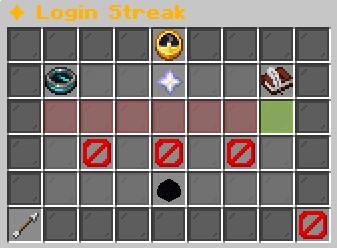 Login Streak
Read your current and longest login streaks, total logins, calendar and upcoming rewards. Login processing grants eligible rewards automatically.
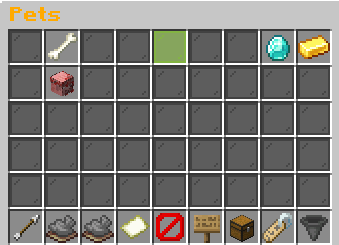 Pets
PetsLeft click an inactive pet to activate it. Click the active pet to deactivate it. Shift-left toggles favorites. Right click withdraws a pet. Middle click or shift-right opens Pet Details. Footer controls page, visibility, items, rarity filter and sorting.
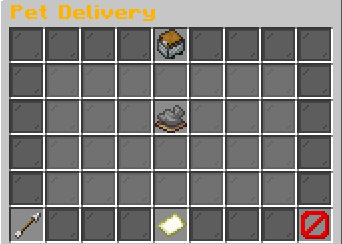 Pet Delivery
Click an available stack to withdraw it into one empty inventory slot. Previous and Next browse further deliveries. A held stack stays listed until it becomes available.
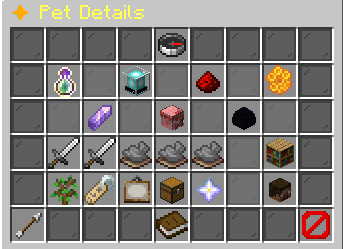 Pet Details
Read growth, bonuses, family resource, Bond, rarity progress, Mastery and ability slots. Choose Talents, Rename Pet, Change Skin, Manage Pet Item or Withdraw Pet as Item. The rarity action changes with the selected pet tier.
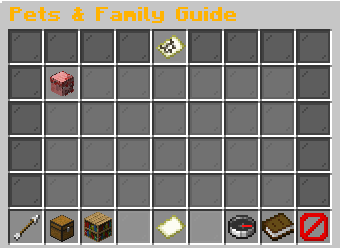 Pets & Family Guide
Switch Owned Pets and All Families. Select a pet or family to read eligible biomes. Your Incubators opens the placed-incubator list. Back returns from biomes to the previous tab, then to the Pet Hub.
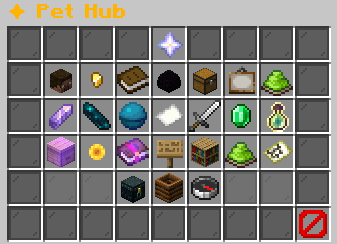 Pet Hub
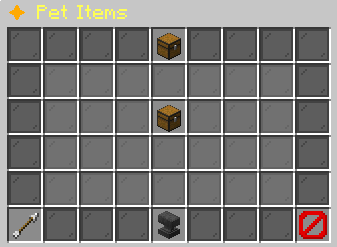 Pet Items
Select a permanent pet item to purchase it. The result goes to Pet Delivery. How To Apply explains attaching the held item to your active floating pet.
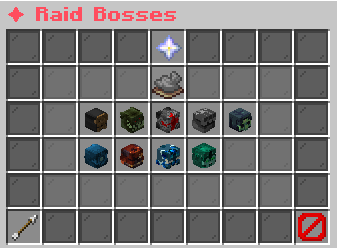 Raid Bosses
Read current raid status and choose a boss from the catalog. Boss details show damage qualification, placement rewards and participation. Back returns from details to the boss list, then to the Pet Hub.
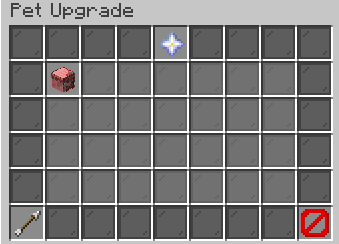 Pet Upgrade
Choose an eligible pet and read its quote, or inspect your current timed upgrade. Confirm Upgrade starts the quoted upgrade after its requirements pass.
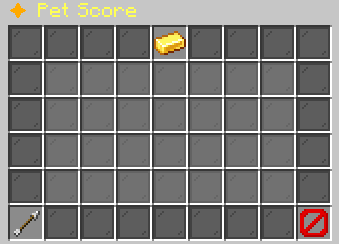 Pet Score
Read your Pet Score and select an eligible milestone reward to collect it.
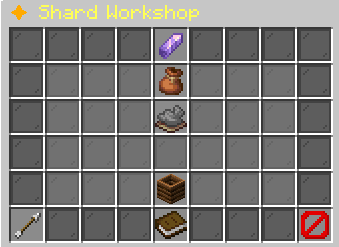 Shard Workshop / ✦ Recycle Pets
Select an available shard exchange, open Workshop Guide for all recipes, or select Recycle a Pet. Choose a pet, inspect its reward, then Confirm Recycle. Back returns through the workshop views.
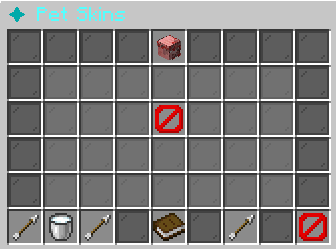 Pet Skins
Choose a skin to unlock or equip it. Default Skin removes the selected skin. Previous and Next browse pages. Back returns to the selected pet or the Pet Hub.
- {pet name} Talents
Read two branches at each talent milestone. Click an available branch, then click the same branch again to confirm permanently. Back returns to Pet Details.
- Eldrin's Wares
Read each stocked offer and its Buy button, your balance, purchases today and the refresh timer. Unavailable, unaffordable and daily-limited purchases display a reason.
Choose a reference
Open a page below for its exact controls and the feature guide that uses it.